
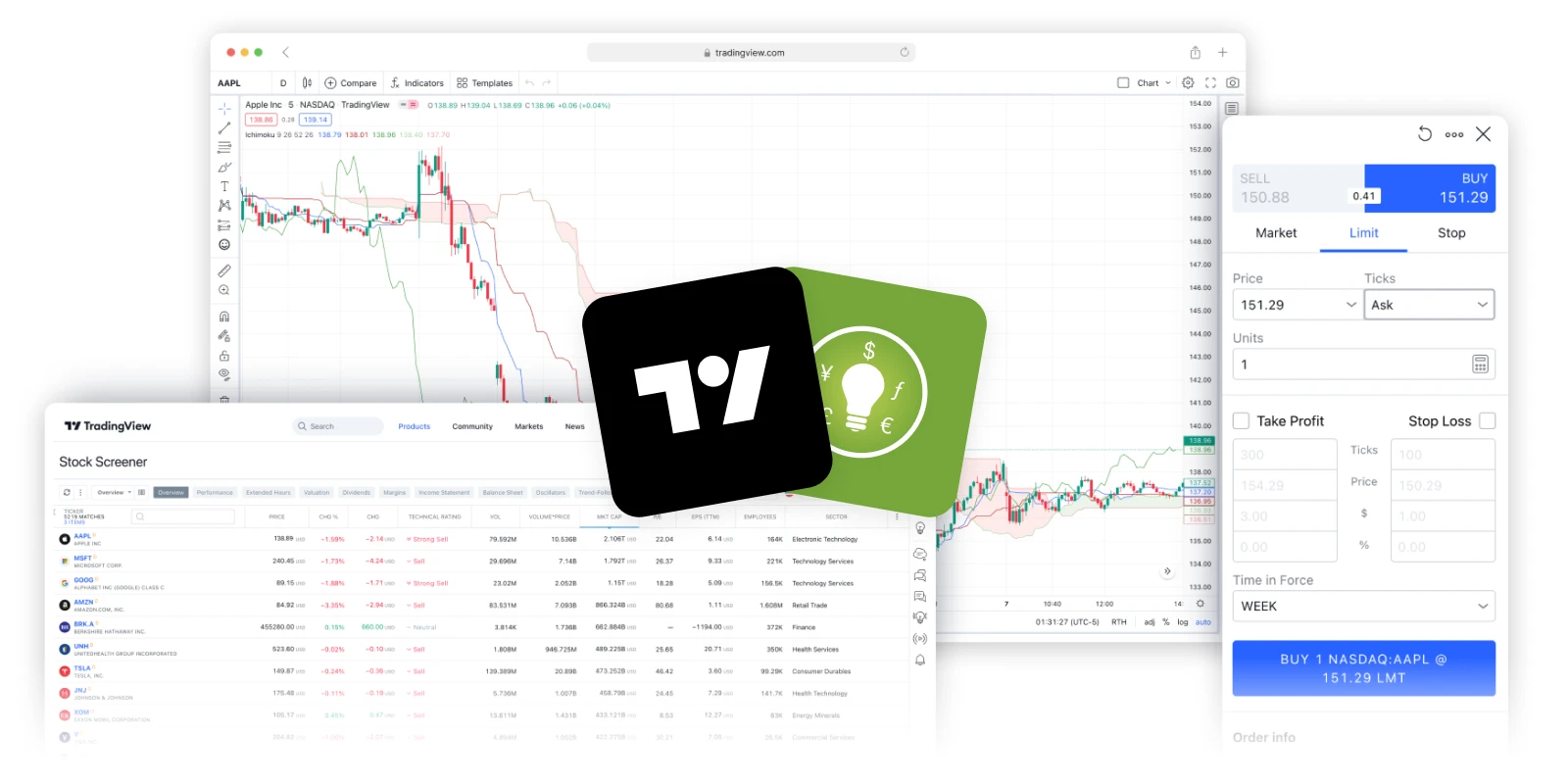
Trade on TradingView
Connect your MajestiGlobal account to TradingView and trade on an advanced charting and trading platform.
Get started now
Enjoy access to advanced tools and features
Advanced charting
Utilise 20+ chart types, multi-chart mode, and custom timeframes from 1 second to 12 months.
Technical analysis
Access 400+ built-in indicators, 110+ drawing tools, and automatic candlestick detection.
Network of traders
Connect with traders from around the globe and share your trades, strategies and ideas.
Customisable alerts
Stay informed on the price movements of your favourite instruments via text, email, and push notifications.
Strategy tester
Simulate trading activity and use historical data to test various strategies and setups with detailed reports.
Download the TradingView desktop app
Unlock additional features and elevate your trading experience with the powerful desktop application.
Connect your account in 4 simple steps
Create a MajestiGlobal account
Sign up for an account on MajestiGlobal Portal or MajestiGlobal.
Register on TradingView
Visit TradingView.com and create an account
Visit MajestiGlobal' profile
Head to our broker profile on TradingView and click "Trade"
Connect your account
Connect your MajestiGlobal account to TradingView
Frequently asked
questions
Have more questions? View all FAQs